Table of Contents
Here are 6 reasons why the Apple Watch is great for travel:
- Easy Navigation: Get turn-by-turn directions right on your wrist, making it simple to explore new places without constantly pulling out your phone. 🗺️
- Stay Connected: Receive important notifications, messages, and even make calls directly from your watch, keeping you in touch on the go. 💬
- Health and Fitness Tracking: Monitor your steps, heart rate, and workouts, ensuring you stay active and mindful of your health while traveling. 💪
- Contactless Payments: Conveniently pay for purchases using Apple Pay, reducing the need to carry cash or physical cards. 💳
- Boarding Pass on Your Wrist: Store your boarding passes in Wallet on your Apple Watch for quick and easy access at the airport. ✈️
- Time Zone Management: Automatically updates to the local time zone, helping you adjust to your destination seamlessly. ⌚
Introduction to Apple Watch 🍎⌚
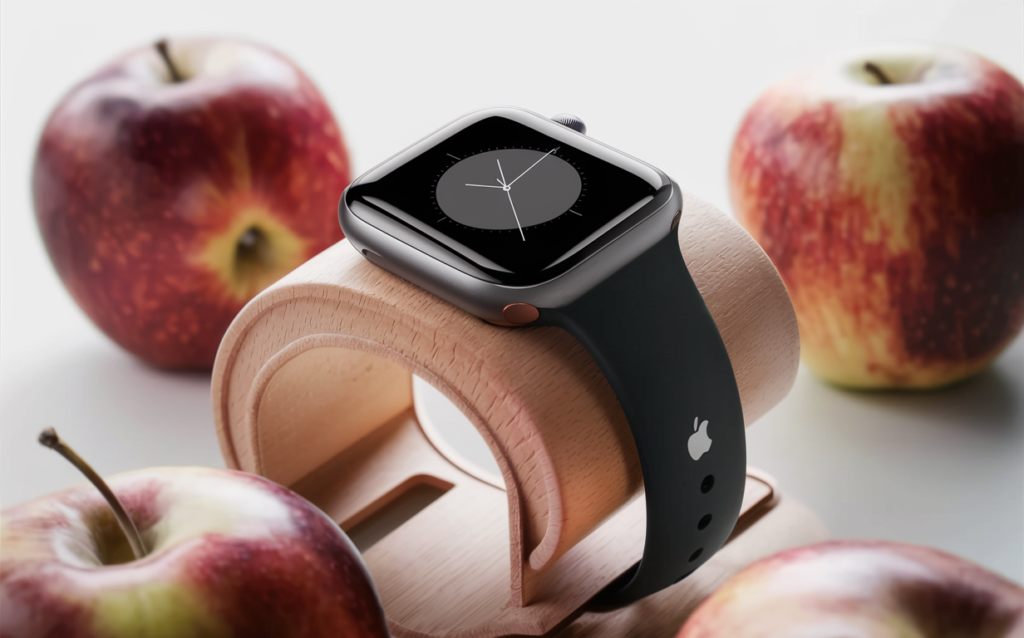
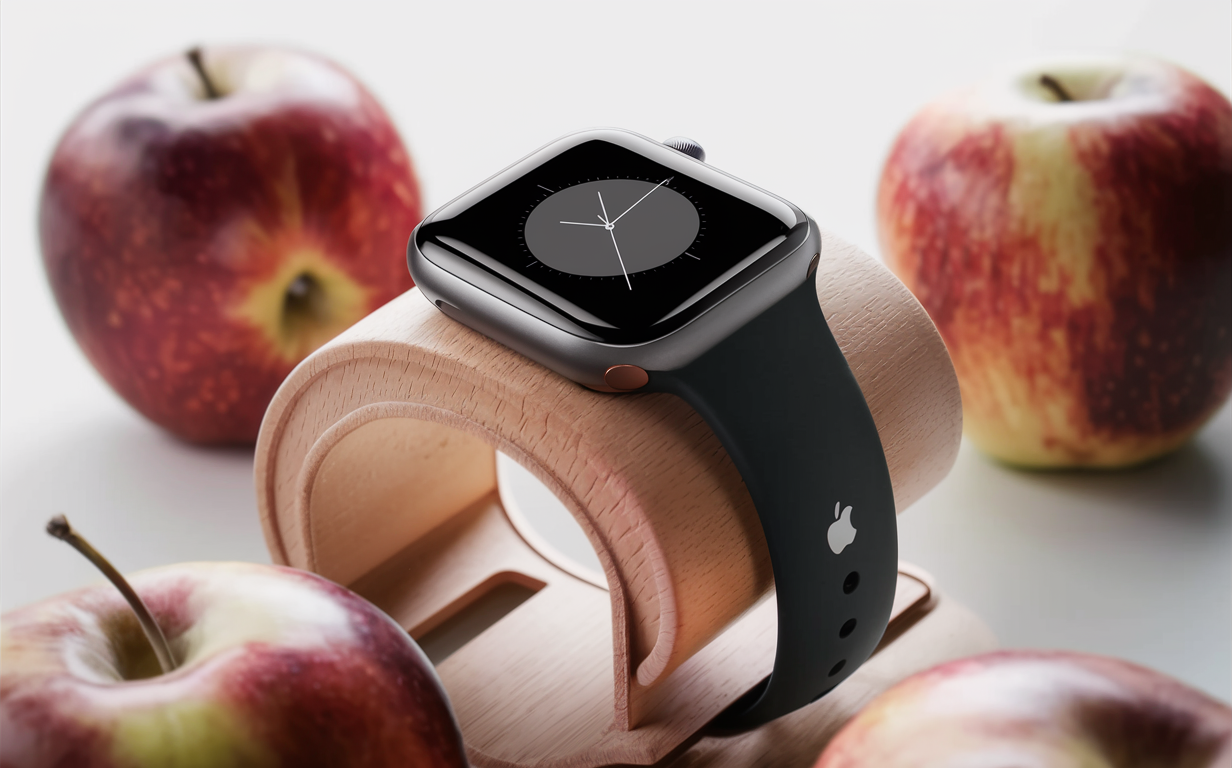
Apple Watch is a smartwatch developed by Apple Inc. It was first announced on September 9, 2014, and was released on April 24, 2015. 🚀 The Apple Watch is the first wearable device from Apple, and it has been praised for its design, functionality, and integration with other Apple products.
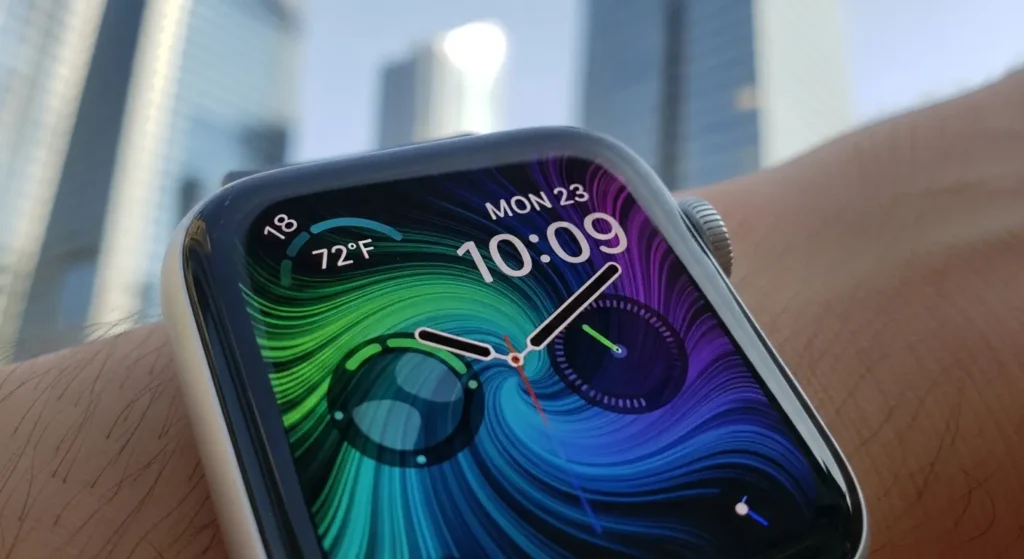
The Apple Watch is available in two sizes: 38mm and 42mm. It comes in a variety of colors, including silver, gold, and space gray. The Apple Watch also has a variety of bands, including leather, stainless steel, and nylon.
| Feature | 38mm | 42mm |
|---|---|---|
| Case Size | 38.6mm x 33.3mm | 42.5mm x 36.4mm |
| Display Area | 563 sq mm | 740 sq mm |
| Weight (Aluminum) | 26.7g | 32.3g |
The Apple Watch is powered by the Apple S5 chip. It has a 1.78-inch OLED display, and it is water resistant up to 50 meters. The Apple Watch also has a heart rate sensor, an accelerometer, a gyroscope, and a compass. 🧭
The Apple Watch runs watchOS, which is a version of iOS designed specifically for the Apple Watch. WatchOS includes a variety of apps, including apps for fitness tracking, messaging, and music playback.
The Apple Watch is a popular smartwatch, and it has been praised for its design, functionality, and integration with other Apple products. However, the Apple Watch is also expensive, and it has some limitations, such as its battery life and its lack of cellular connectivity.
Speaking of amazing tech, have you ever wondered about the cultural quirks of the United States? Check out my post on Why United States Culture Feels So Strange.
Features of Apple Watch
Apple Watch is a smartwatch that runs on the watchOS operating system. It was first released in 2015 and has since become one of the most popular smartwatches on the market.
Apple Watch has a number of features that make it a popular choice for consumers. These features include:
| Feature | Description |
|---|---|
| Heart Rate Monitor | Tracks your heart rate throughout the day and during workouts. ❤️ |
| GPS | Built-in GPS to track your runs, walks, and bike rides. 🗺️ |
| Water Resistance | Water-resistant up to 50 meters, so you can wear it in the pool or ocean. 🌊 |
| Sensors | Includes an accelerometer, gyroscope, and ambient light sensor. |
| Touchscreen Display | A vibrant and responsive touchscreen display. |
| Apps | A wide variety of apps from Apple and third-party developers. 📱 |
Apple Watch is also compatible with a variety of accessories, including bands, cases, and chargers.
Overall, Apple Watch is a well-rounded smartwatch that offers a number of features that make it a popular choice for consumers.
Benefits of using the Apple Watch
There are many benefits to using an Apple Watch, including:
- Staying connected: You can receive notifications from your phone on your watch, so you don’t have to take your phone out of your pocket or bag every time you get a text message or email. 💬
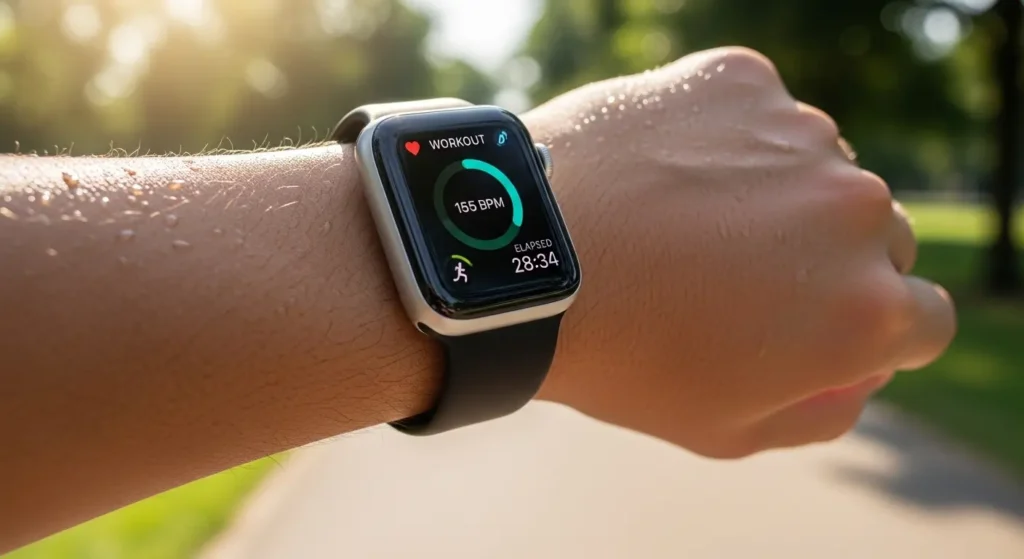
- Tracking your activity: The Apple Watch has a built-in activity tracker that can track your steps, calories burned, and heart rate. This can help you stay motivated to exercise and reach your fitness goals. 💪
- Getting directions: You can use the Apple Watch to get directions, even when you don’t have your phone with you.
- Controlling your music: You can control your music playback from your watch, so you can change songs, skip tracks, and adjust the volume without having to take your phone out of your pocket. 🎶
- Making phone calls and sending messages: You can make phone calls and send messages from your watch, so you don’t have to take your phone out of your pocket if you’re not near it.
These are just a few of the benefits of using an Apple Watch. If you’re looking for a way to stay connected, track your activity, get directions, control your music, or make phone calls and send messages, an Apple Watch is a great option.
And if you’re planning a trip, the Apple Watch is a great travel companion. Speaking of travel, have you ever tried Danish food? You might be surprised by the delicious traditions of Denmark. Check out my guide to Danish Foods.
How to set up Apple Watch
Setting up your Apple Watch is easy. Just follow these steps:
- Turn on your Apple Watch.
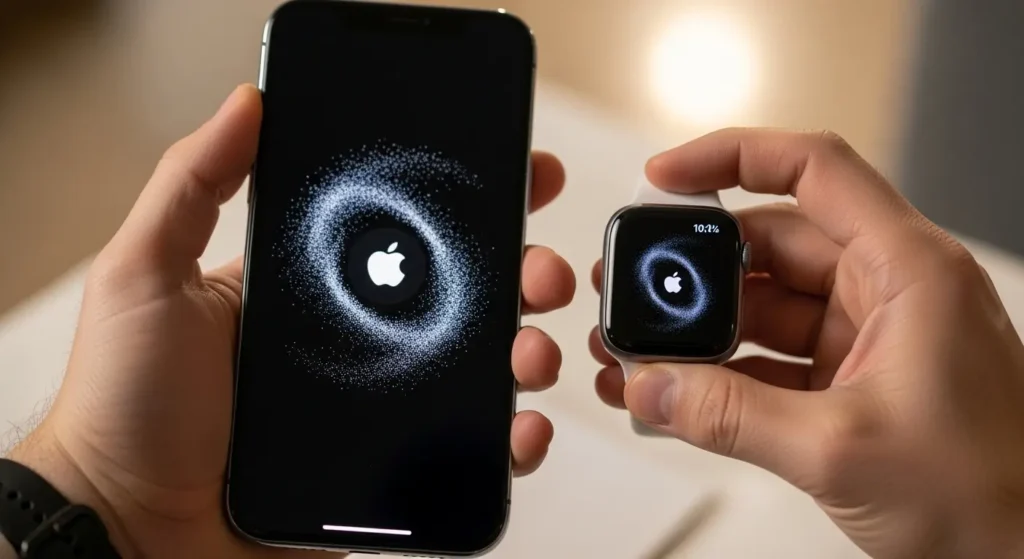
- Hold your Apple Watch near your iPhone.
- Follow the instructions on your iPhone to pair your Apple Watch.
Once your Apple Watch is paired with your iPhone, you can start using it.
Here are some tips for setting up your Apple Watch:
- Customize your watch face.
- Add apps to your watch.
- Set up notifications.
- Turn on Activity tracking.
For more information on how to set up your Apple Watch, please visit the Apple website.
How to use Apple Watch
Apple Watch is a smartwatch that can be used to track activity, check notifications, make phone calls, and more. Here is a guide on how to use an Apple Watch:
- To turn on the Apple Watch, press and hold the side button until you see the Apple logo.
- To unlock the Apple Watch, swipe up from the bottom of the screen and enter your passcode.
- To open an app, tap on its icon.
- To close an app, swipe up from the bottom of the screen and then swipe up on the app’s card.
- To take a screenshot, press and hold the side button and the Digital Crown at the same time.
- To turn off the Apple Watch, press and hold the side button until you see the power off slider.
- To restart Apple Watch, press and hold the side button until you see the power off slider, then drag the slider to turn off Apple Watch. Once the Apple Watch is turned off, press and hold the side button until you see the Apple logo.
For more tips and tricks, check out this great article on 7 tips and tricks to master your Apple Watch.
Apple Watch troubleshooting
Here are some common Apple Watch troubleshooting tips:
- If your Apple Watch is not connecting to your iPhone, make sure that both devices are turned on and Bluetooth is enabled.
- If your Apple Watch is not receiving notifications, make sure that you have enabled notifications for the app in question.
- If your Apple Watch is not tracking your activity, make sure that you have enabled Activity Tracking in the Settings app.
- If your Apple Watch is not charging, make sure that the charging cable is properly connected to the watch and to a power outlet.
- If your Apple Watch is frozen, try force-restarting it by holding down the side button and the Digital Crown until you see the Apple logo.
If you are still having trouble with your Apple Watch, you can contact Apple Support for help.